

















































Take a quick break
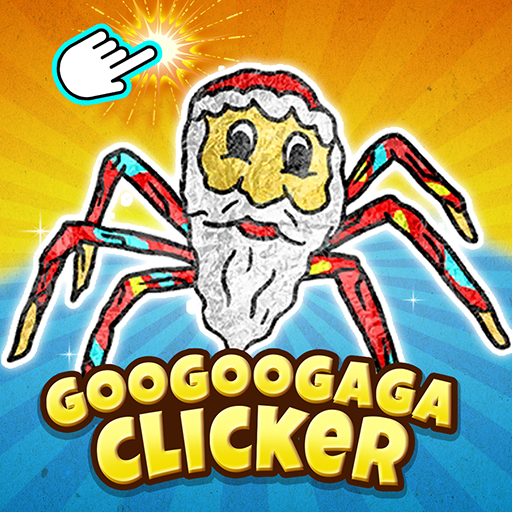
Unwind with simple clicks or a quick timing challenge.
Try a game: 67 Clicker.
Find your next browser game, from driving challenges and sports matches to puzzles and music games. Explore all game tags to find a particular style of play. Learn more about HotGames.
Pick a game to match your mood.
Unwind with simple clicks or a quick timing challenge.
Try a game: 67 Clicker.
Test your logic with shapes, words, and clues.
Try a game: Block Blast Puzzle.
Share one device in 2 Player games, or join online multiplayer matches.
Try a game: Kart Bros.
Master a tight turn, practice parking, or compete in a sports match.
Try a game: Drift Boss.
Spend less time setting up and more time playing. Enjoy free online games with no download required, directly in your browser. Each game page brings together controls and a playing guide, so you can check how a game works before you start.
Start with our Hot Games picks or browse New Games for recent additions. Found something you enjoy? Save it to your Favorites for an easy way back, or revisit a game through Recently Played in the same browser.
Yes. HotGames lets you browse and launch free online games in your browser without a site subscription or launch fee. Individual games may show ads or offer optional purchases, and their own terms apply.
Yes. Choose a browser game, read its controls, and select Play now to play online without downloading a game or installing an app. You need an internet connection, but no HotGames account. Individual games may have their own sign-in prompts or requirements.
Explore the game categories below, from driving and sports to puzzles, music, and multiplayer challenges. Choose a category to browse its games, or use tags to find a more specific style of play.
Driving Games, 2 Player Games, Shooting Games, Sports Games, IO Games, Clicker Games, Casual Games, Action Games, Horror Games, Adventure Games, Puzzle Games, Strategy Games, Sprunki Games, and Music Games. Browse all game tags for options such as Drift, Logic, and Multiplayer.
Touch support varies by game. Check the controls on the game page before starting. Some games need a keyboard or mouse and work better on a computer; a game that loads on your phone may still need different controls.
These lists are stored in your current browser, without an account. They do not automatically sync across devices, and clearing site data can remove them. If browser storage is unavailable, changes last only for the current visit.
No. A favorite is a shortcut back to a game. Scores, unlocked levels, and other progress depend on the individual game and its storage or account features. HotGames does not provide a shared game-save system.
Check your connection, reload the game page, and select Play now again. If that game still does not load, try another title to see whether the problem affects one game or the whole site. Individual game services can sometimes be unavailable.